
Roblox AI 3D Model Generator
Turn any image into a Roblox-ready 3D model. Upload an image, get a mesh in under 1 minute, then texture it to match your image. Download FBX files straight into Roblox Studio. No Blender required.
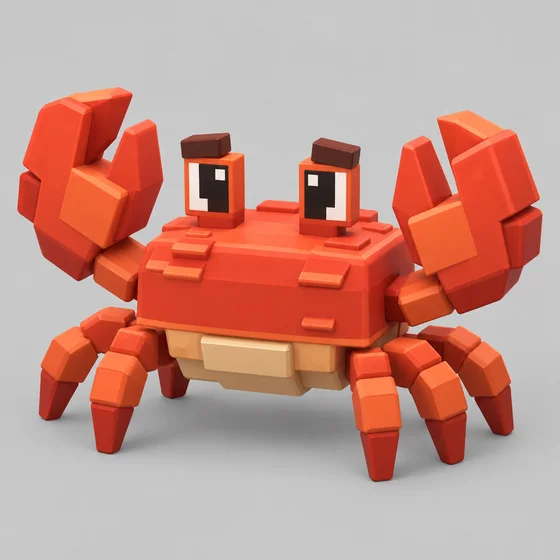
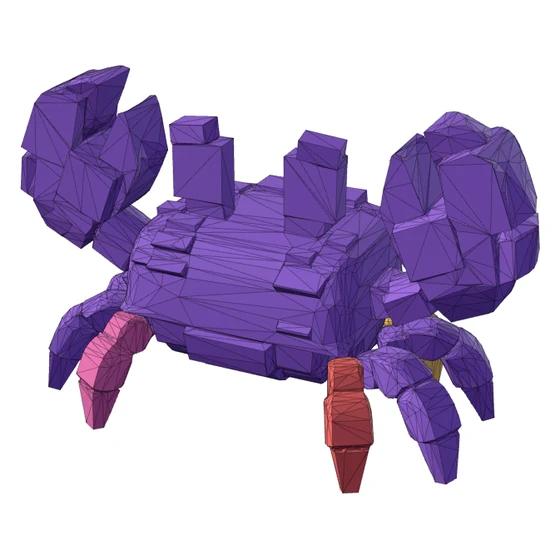
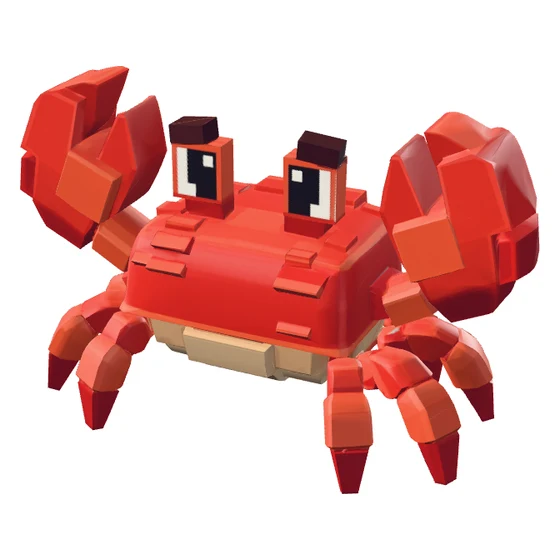
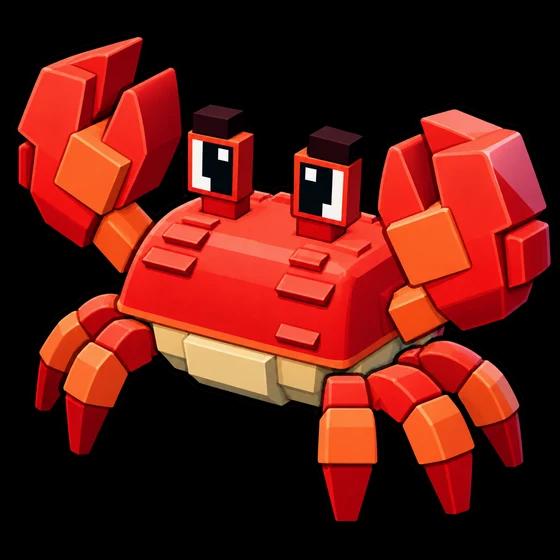
Bring it to life
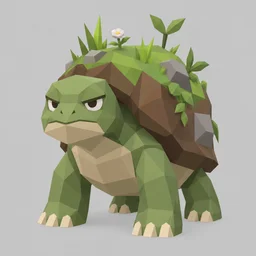
These meshes were generated with RoVisuals. Claude/Codex did everything else.
Animation isn't built into RoVisuals.
3D Assets for Your Roblox Game Without Learning Blender
Most Roblox games need far more 3D props than any small team can model by hand: pets, weapons, crates, portals, and shop items. Modeling each one takes hours, and commissioning them adds up fast.
This AI 3D asset generator turns a single image into a Roblox-ready mesh, then textures it to match your image once you like the shape. It is part of the full Roblox AI GFX suite, alongside the thumbnail maker, icon generator and vector generator, so your whole game can share one art direction.
From Image to Roblox Studio in Three Steps
Each step is a separate, confirmed action, so you only spend credits on stages you want.
0. Upload an image
Drop in a concept, a screenshot, or any picture of one object. No image? Describe it and generate a concept image first for 1 credit.
1. Generate a mesh
The AI builds an untextured mesh in under 1 minute. Pick a triangle count from 1,000 to 20,000, then spin it in the 3D viewport to check the shape.
2. Texture it
Happy with the shape? The AI paints it to match your image, then download the FBX for Roblox Studio. Only pay to texture meshes you actually like.
No Image? Generate a Concept First
Describe what you want and RoVisuals draws a concept image made for 3D: one subject, a plain background, nothing cut off. Pick a style, then turn it into a mesh in one click. 1 credit per concept image.
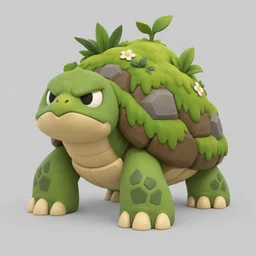
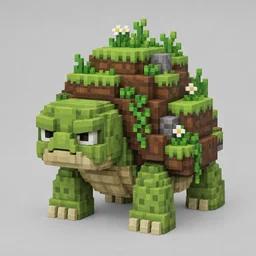
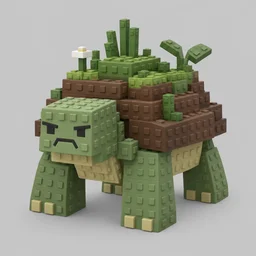
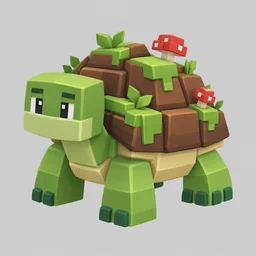
Made for Roblox Studio's 3D Importer
You choose how many triangles your mesh has. Go low for props you place hundreds of times, and high for hero objects players see up close.
| Our triangle options | Good for |
|---|---|
| 1,000 | Tiny items you place hundreds of times |
| 2,000 | Small props and pickups |
| 4,000 | Everyday props |
| 8,000Default | Most models |
| 10,000 | Detailed props |
| 15,000 | Characters and hero objects |
| 20,000 | Maximum detail, Roblox's limit |
Roblox Studio's official limit is 20,000 triangles per mesh, so every option fits.
Your download is one zip with the FBX and the base color texture as a PNG. Roblox resizes textures larger than 1024×1024 on import, so the included texture is ready to apply as the mesh's TextureID either way.
What Roblox Developers Build With It
Props & items
Weapons, tools, food, potions, and pets from a single reference image.
Environment pieces
Crates, portals, rocks, signs, and decorations to fill out a map fast.
Shop & gamepass items
Display models and gamepass items that match the look of your game.
Prototyping
Blockout a level with real shapes before commissioning final art.
Built for Game Development
Simple, Per-Stage Pricing
The same credits you use for thumbnails and icons. No separate 3D plan.
3
credits per 3D mesh generation
4
credits per 3D mesh texturing
1
credit to create a vector icon from your model
Frequently Asked Questions
What file formats do I get?
Every model downloads as an FBX file, the format Roblox Studio's 3D Importer handles best. Textured models include the base color texture as a PNG in the same zip.
How do I import the model into Roblox Studio?
In Roblox Studio open the Avatar tab and choose 3D Importer (or use Asset Manager > Bulk Import), select the FBX from your download, and Studio creates the MeshPart. Apply the included PNG as the mesh's TextureID if the texture didn't come through automatically.
What triangle count should I use?
8,000 triangles is the default and works for most props. Roblox Studio limits a single mesh to 20,000 triangles, so every option here stays within that limit. Go lower for small items or anything you'll place hundreds of times, higher for hero objects that players inspect up close.
Do I need Blender or any 3D software?
No. Everything runs in the browser: upload an image, preview the mesh in the 3D viewport, texture it, and download. You only need Roblox Studio to import the finished FBX.
What kind of images work best?
A single object on a plain or transparent background, seen from a three-quarter angle, gives the cleanest mesh. Concept art, existing game icons, and product-style photos all work. Busy scenes with several objects tend to merge into one shape.
How much does a 3D model cost?
3D mesh generation is 3 credits and 3D mesh texturing is 4 credits, so a fully textured model is 7 credits. Credits are the same ones used for thumbnails and icons, so there's no separate 3D subscription.
Are AI-generated models allowed on Roblox?
Yes. Roblox allows AI-assisted content as long as it follows the Community Standards, and you're responsible for what you upload just like any other asset. Every model you generate here includes a full commercial license for your games, including monetized experiences.
Can I redo a model I don't like?
Yes. You can re-texture a mesh and only pay for the new texture. For a different shape, retry the mesh to make a new model from the same image.